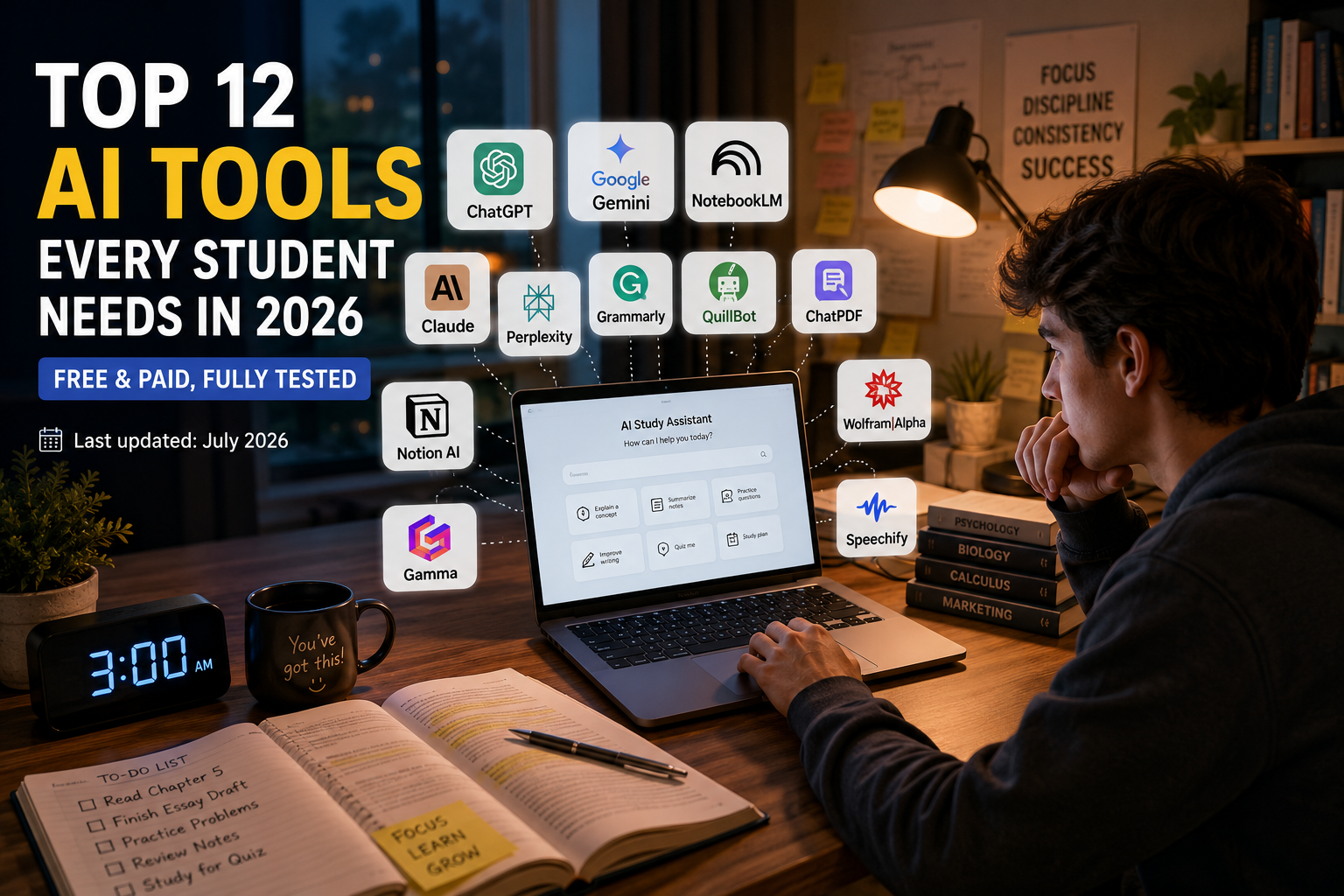
Last updated: July 2026
Top 12 AI Tools
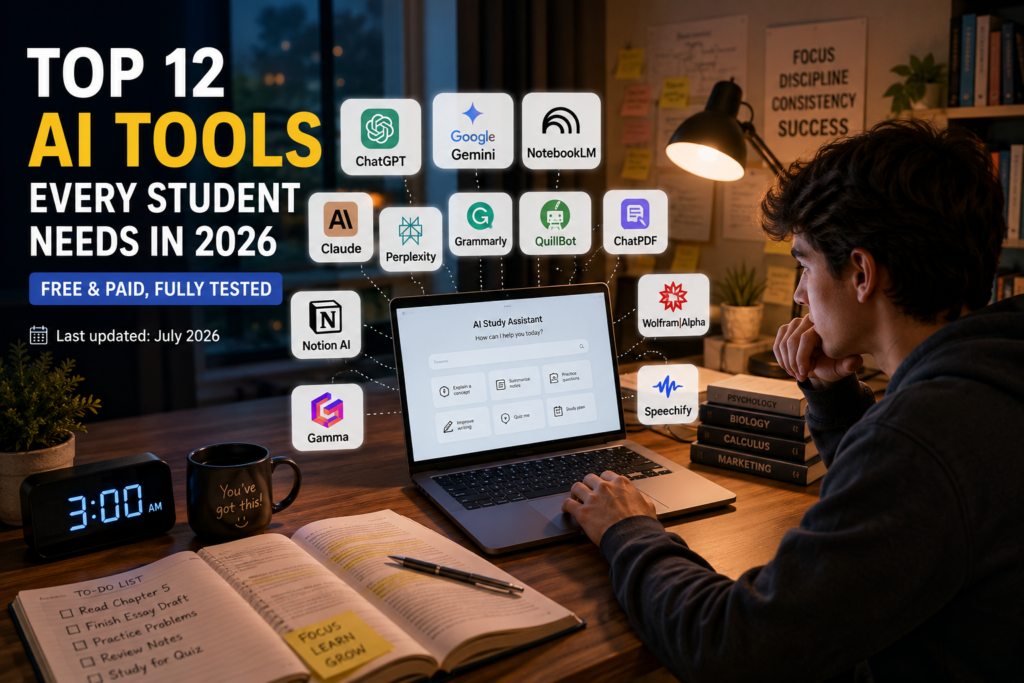
It’s 3 a.m., the essay is due at 9, and you’ve got four browser tabs open, none of which are helping. If that sounds familiar, you’re not alone — and you’re also not out of options anymore.
Two years ago, “AI for students” basically meant one chatbot and a lot of guessing. In 2026, it means an entire toolkit: apps that turn a 90-page PDF into a quiz in minutes, tutors that never get tired of explaining the same concept five different ways, and writing assistants that catch mistakes before your professor does.
The catch? There are now hundreds of these tools, and most “best of” lists are just the same five names copy-pasted in a different order. This guide is different. Below are the AI tools that are actually earning a permanent spot on students’ phones and laptops this year — what each one is good at, where it falls short, what it costs, and how to use it without getting flagged for academic dishonesty.
Let’s get into it.
Why AI Tools Matter More Than Ever for Students in 2026
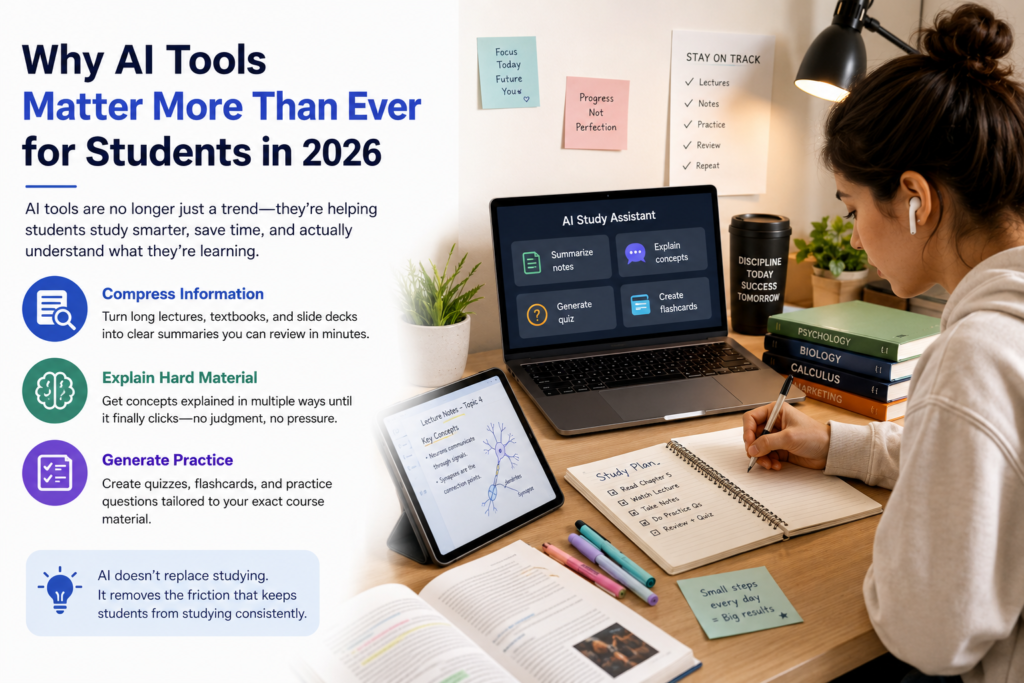
The way students study has genuinely changed. It’s not just about looking things up faster anymore. The best tools now handle three jobs that used to eat hours out of every week:
- Compressing information — turning long lectures, textbooks, and slide decks into something you can actually review before a test
- Explaining hard material — breaking down a concept as many times and in as many ways as you need, with zero judgment
- Generating practice — creating flashcards, quizzes, and practice questions based on your specific course material, not generic content
None of this replaces studying. It removes the friction that used to stop students from studying consistently in the first place. The students pulling ahead this year aren’t the ones with the fanciest subscription — they’re the ones who picked two or three tools that fit how they actually work and stuck with them.
How We Picked These Tools
Before jumping into the list, here’s what actually mattered when narrowing this down:
- Real classroom usefulness — not flashy demos, but tools that hold up under an actual exam-week workload
- Free or student-friendly pricing — most students shouldn’t need to pay $20/month for basic study help
- Accuracy and reliability — especially for tools handling factual or quantitative subjects
- Ease of use — no student has time to learn a complicated new interface during finals week
- Academic integrity — tools that support learning rather than encourage shortcuts that could backfire
With that out of the way, here are the tools worth your time.
1. ChatGPT — The All-Purpose Study Partner
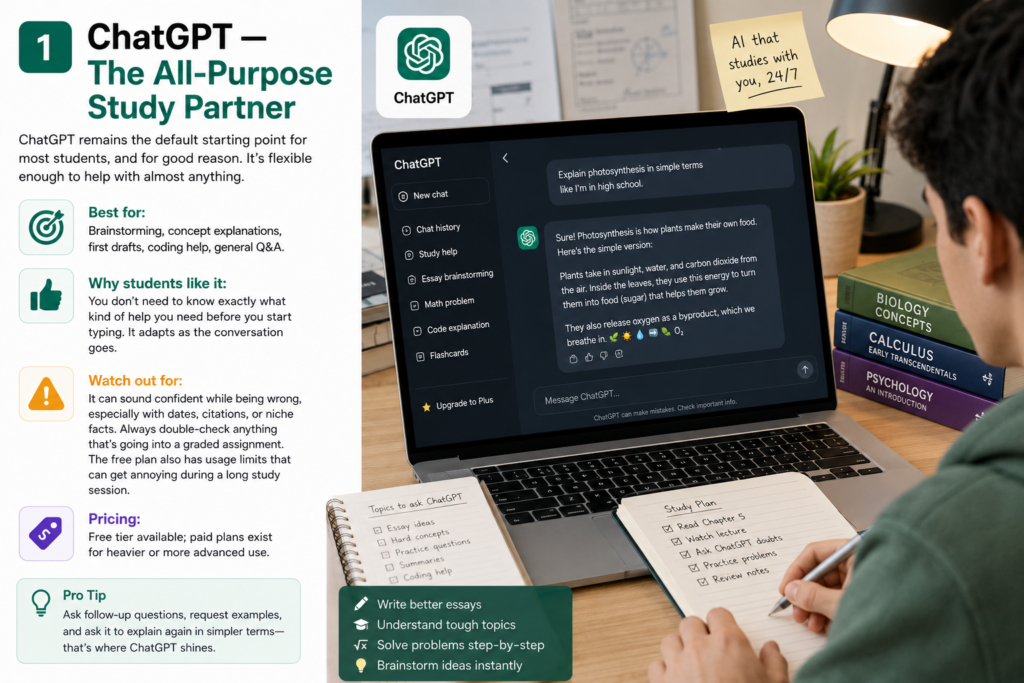
ChatGPT remains the default starting point for most students, and for good reason. It’s flexible enough to help with almost anything: brainstorming an essay topic, explaining a concept you missed in lecture, generating practice questions, or just talking through a problem set out loud (so to speak).
Best for: Brainstorming, concept explanations, first drafts, coding help, general Q&A.
Why students like it: You don’t need to know exactly what kind of help you need before you start typing. It adapts as the conversation goes.
Watch out for: It can sound confident while being wrong, especially with dates, citations, or niche facts. Always double-check anything that’s going into a graded assignment. The free plan also has usage limits that can get annoying during a long study session.
Pricing: Free tier available; paid plans exist for heavier or more advanced use.
2. Google Gemini — Best for Students Already Living in Google’s Ecosystem
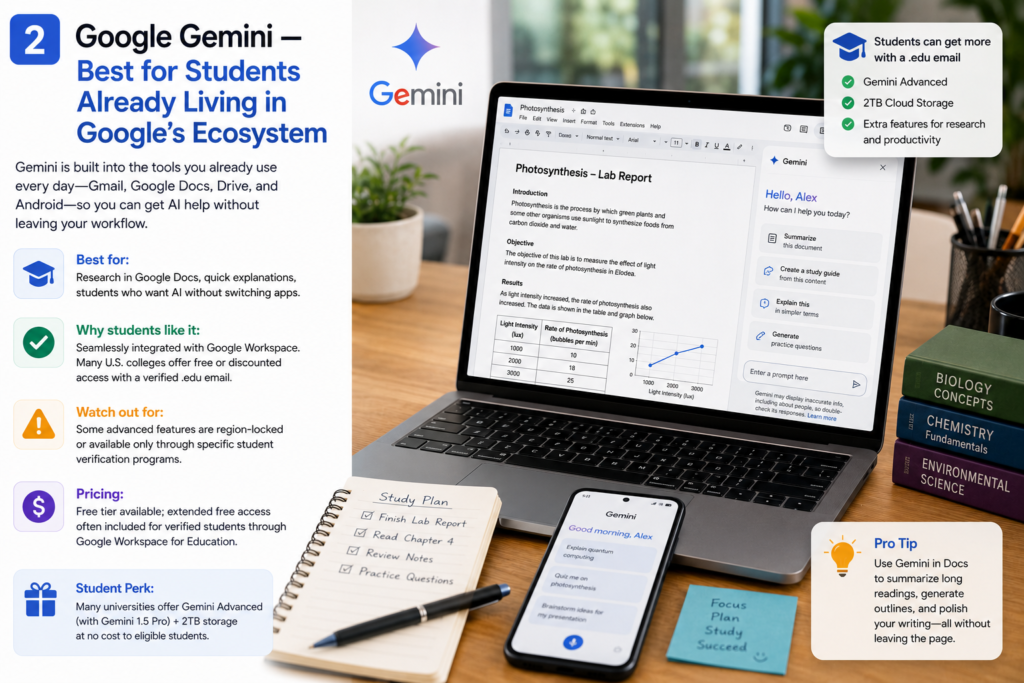
If your academic life runs through Gmail, Google Docs, Drive, and Android, Gemini is the path of least resistance. It’s built directly into the tools you’re probably already using, which means less app-switching and more actual studying.
Best for: Research inside Google Docs, quick explanations, students who want AI without leaving their existing workflow.
Why students like it: Many U.S. colleges and universities now offer discounted or free access through a verified .edu email, often bundled with cloud storage and research features. It’s worth checking your school’s student portal or Google’s education page to see what you qualify for.
Watch out for: Some of the best perks are region-locked or tied to specific student verification services, so availability can vary.
Pricing: Free tier; extended free access is often available for verified students.
3. NotebookLM — The Research and Note-Organizing Powerhouse
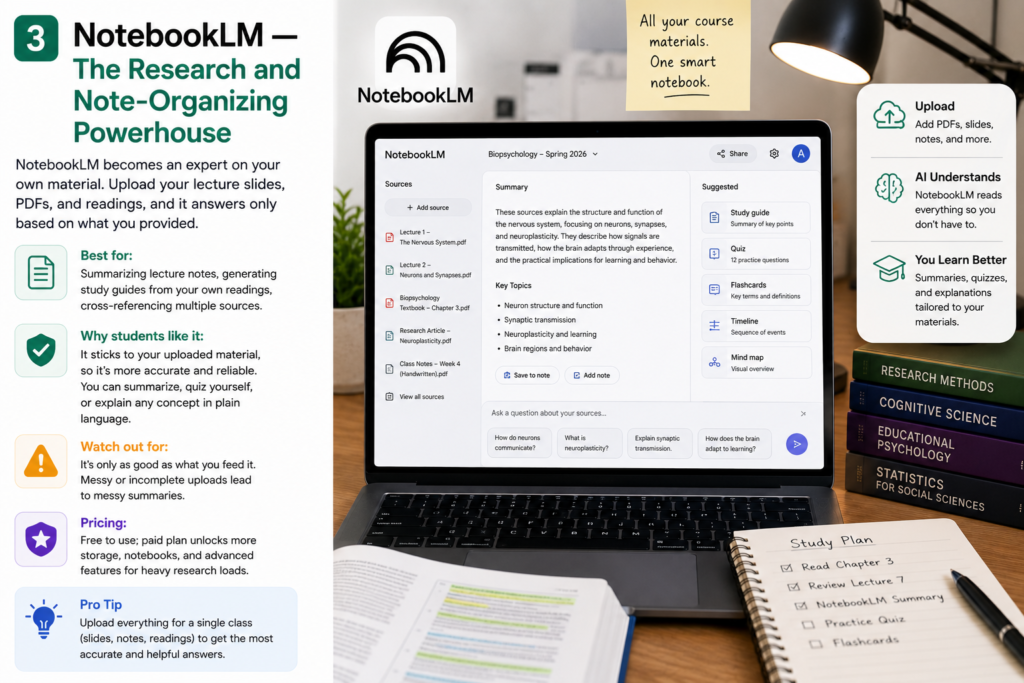
NotebookLM has quietly become one of the most-used tools among university students, and it deserves the attention. Instead of chatting generally like a typical AI assistant, it becomes an expert on your material. Upload your lecture slides, PDFs, and readings, and it will only answer based on what you gave it — which means far fewer made-up facts.
Best for: Summarizing lecture notes, generating study guides from your own readings, cross-referencing multiple sources at once.
Why students like it: Because it sticks to your uploaded material, it’s one of the more reliable tools for factual accuracy. You can ask it to summarize a chapter, quiz you on it, or explain a theory in plain language.
Watch out for: It’s only as good as what you feed it. Messy or incomplete uploads lead to messy summaries.
Pricing: Free; a paid tier adds more storage and features for heavier research loads.
4. Claude — Best for Long Papers and Serious Writing Feedback
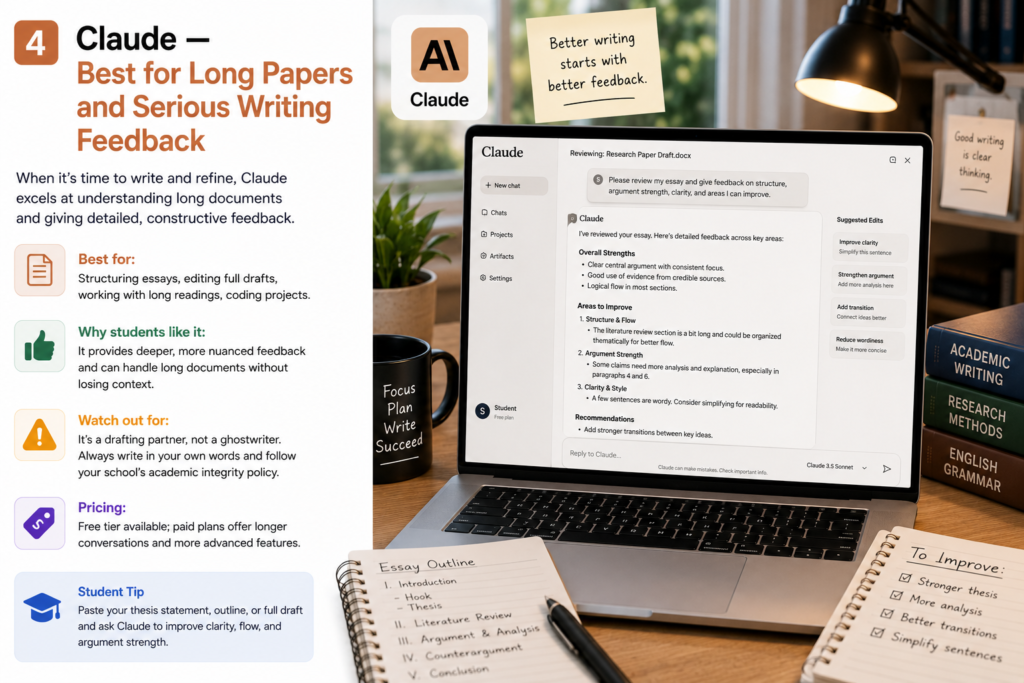
When it’s time to actually write — not just brainstorm, but produce a polished draft — many students switch over to Claude. Its ability to handle long documents makes it useful for pasting in a full essay draft and getting genuine, specific feedback rather than generic encouragement.
Best for: Structuring essays, editing full drafts, working through long or complex reading assignments, coding projects.
Why students like it: It tends to give more substantive, less flattering feedback than some competitors — which is exactly what you want when you’re trying to improve a paper rather than just feel good about it.
Watch out for: Like any AI tool, it’s a drafting and editing partner, not a ghostwriter. Submitting AI-written text as your own original work can violate your school’s academic integrity policy.
Pricing: Free tier available; paid plans unlock longer conversations and more advanced features.
5. Perplexity — Best for Research With Real Citations
Perplexity works differently from a standard chatbot. Instead of generating an answer purely from memory, it searches the web in real time and shows you where each piece of information came from. For research-heavy assignments, that’s a big deal — you get a head start on finding actual sources instead of a plausible-sounding paragraph with nothing to back it up.
Best for: Starting research papers, finding credible sources fast, fact-checking claims.
Why students like it: The citations mean you can actually click through and verify — and cite — the original source, which is a habit every professor wants you to have anyway.
Watch out for: The free plan can feel limited when you’re doing heavy, sustained research, and some advanced modes are gated behind a subscription.
Pricing: Free tier with usage limits; paid academic-focused features available.
6. Grammarly — The Non-Negotiable Writing Checker
Grammarly isn’t flashy, but it’s one of the few tools on this list that essentially every student can benefit from immediately. It checks grammar, catches awkward phrasing, and adjusts tone — all in real time, right where you’re already writing.
Best for: Essays, cover letters, emails to professors, any writing where clarity and correctness genuinely matter.
Why students like it: It works inside Google Docs, Word, and most browsers, so there’s no extra step to remember.
Watch out for: Don’t accept every suggestion blindly. Read why it’s suggesting a change — that’s how you actually improve as a writer instead of just outsourcing the fix.
Pricing: Solid free version; premium plans often discounted for students.
7. QuillBot — Best for Rewriting and Paraphrasing
QuillBot specializes in helping you say the same idea in a different way, which is useful when your writing feels repetitive or you’re trying to clarify a clunky sentence. It’s a rewriting tool first, not a general chatbot.
Best for: Paraphrasing your own drafts, varying sentence structure, tightening wordy paragraphs.
Why students like it: It’s fast, simple, and does one job well instead of trying to be everything.
Watch out for: Use it to refine your own writing, not to disguise someone else’s. The final result should still sound like you, and many schools’ plagiarism checkers can flag over-paraphrased text pulled from outside sources.
Pricing: Free version available; premium plans offer student discounts.
8. ChatPDF — Best for Getting Through Long Readings Fast
Every student has that one dense, 100-page PDF they’ve been avoiding. ChatPDF’s whole purpose is to make that problem smaller. Upload the file, and you can ask direct questions — “What’s the argument in section 3?” — instead of reading the entire thing cover to cover.
Best for: Textbook chapters, research papers, dense academic PDFs.
Why students like it: It typically points you to the specific page or section an answer came from, so you can go verify it yourself rather than taking the summary on faith.
Watch out for: It works best with text-based PDFs — scanned images or handwritten notes may need an OCR tool first. Free plans also usually cap file size.
Pricing: Free with limits; paid tiers remove file-size restrictions.
9. Notion AI — Best for Organizing the Chaos
Somewhere between a planner, a notebook, and an assistant, Notion AI helps with the unglamorous side of student life: organizing deadlines, structuring notes, and keeping projects from falling apart. It doesn’t just store information — it helps you make sense of it.
Best for: Task management, organizing notes by class or project, building a personal study dashboard.
Why students like it: It combines organization and writing help in a single workspace, so you’re not bouncing between five different apps.
Watch out for: It has a learning curve. Spend 20–30 minutes setting up a system before you expect it to save you time.
Pricing: Generous free plan for individuals; full AI features typically require a paid add-on.
10. Wolfram|Alpha — Best for Math, Science, and Anything That Needs an Exact Answer
Not every subject benefits from a conversational AI. For math, physics, engineering, and quantitative chemistry, you need precision, not a plausible-sounding explanation. That’s exactly where Wolfram|Alpha shines — it computes rather than chats.
Best for: Symbolic math, step-by-step equation solving, unit conversions, graphing, structured scientific queries.
Why students like it: It’s trusted for exact answers in a way general chatbots aren’t. If you’re relying on a normal AI assistant as your only tool for quantitative coursework, this is the gap to fill.
Watch out for: Some of the most useful features — especially detailed step-by-step solutions — sit behind a paid Pro subscription.
Pricing: Free basic queries; Pro plan unlocks full step-by-step breakdowns.
11. Gamma — Best for Turning Notes Into Presentations
When a class project needs an actual slide deck and you have zero time to design one, Gamma turns a rough outline or a wall of notes into a formatted, visually decent presentation in minutes.
Best for: Class presentations, project pitches, visual summaries of research.
Why students like it: It removes the design bottleneck. You focus on content; it handles layout, formatting, and visual structure.
Watch out for: Free plans usually limit how many presentations you can generate per month, and some premium templates are gated.
Pricing: Free tier with limited exports; paid plans for unlimited use.
12. Speechify (or Similar Text-to-Speech Tools) — Best for Heavy Reading Loads
Not every student learns best by reading silently. If you’re behind on reading assignments or just retain information better by listening, text-to-speech tools like Speechify convert PDFs, articles, and slides into audio you can listen to on the way to class.
Best for: Getting through long reading lists, reviewing notes during a commute, students with reading-related learning differences.
Why students like it: It turns dead time — walking, commuting, doing chores — into study time.
Watch out for: Passive listening isn’t a substitute for active engagement with dense material. Pair it with note-taking for anything you’ll be tested on directly.
Pricing: Free tier with limits; premium unlocks faster processing and more voice options.
Quick Comparison Table
| Tool | Best For | Free Plan? | Ideal User |
|---|---|---|---|
| ChatGPT | General help, brainstorming | Yes | Anyone starting out with AI |
| Google Gemini | Google Workspace users | Yes | Students already using Google Docs/Drive |
| NotebookLM | Research from your own notes | Yes | Students with heavy reading loads |
| Claude | Long-form writing and editing | Yes | Essay-heavy majors |
| Perplexity | Research with citations | Yes (limited) | Research papers, thesis work |
| Grammarly | Grammar and tone | Yes | Every student, honestly |
| QuillBot | Paraphrasing | Yes | Writers who need variety |
| ChatPDF | Reading long PDFs | Yes (limited) | Textbook-heavy courses |
| Notion AI | Organization and planning | Yes | Students juggling multiple deadlines |
| Wolfram|Alpha | Math and science | Yes (limited) | STEM majors |
| Gamma | Presentations | Yes (limited) | Group projects, pitches |
| Speechify | Text-to-speech | Yes (limited) | Auditory learners, commuters |
How to Build a Simple AI Study Stack (Without Overcomplicating Things)
The biggest mistake students make isn’t picking the wrong tool — it’s trying to use one tool for everything. A chatbot that’s great at brainstorming isn’t necessarily great at math, and a research tool isn’t built to format your slides. Instead, try assigning each tool a specific job:
- Start research in Perplexity or NotebookLM to gather real sources.
- Organize and summarize your readings and lecture notes in NotebookLM or Notion AI.
- Draft and refine writing in ChatGPT or Claude, then run it through Grammarly for a final polish.
- Handle math and science problem sets in Wolfram|Alpha for accuracy.
- Review before exams using flashcards or quizzes generated from your own notes, not generic content.
This kind of rotation takes maybe ten extra minutes to set up, and it beats paying for one expensive all-in-one subscription that’s mediocre at half the things you actually need.
Using AI Without Getting Into Academic Trouble
This is the part a lot of listicles skip, but it matters more than which tool you pick.
Know your school’s policy.–
Academic integrity rules around AI vary a lot between schools, and even between individual professors and courses. What’s fine for a rough draft or brainstorming might be strictly prohibited for a final graded submission. When in doubt, ask your instructor directly — most would rather answer that question upfront than deal with a plagiarism case later.
Use AI to think, not to skip thinking.
The tools on this list work best as tutors, editors, and research assistants — not as a machine that hands you a finished assignment. If you’re three days from an exam and haven’t opened your notes, no AI tool is going to save you. If you’re at the start of the semester and want to spend your study time actually learning instead of re-reading the same page five times, that’s where AI tools deliver real value.
Always verify facts, especially for anything graded.
Even the best AI tools can get specific facts, dates, or citations wrong. Treat AI output as a first draft or a starting point, not a finished, submission-ready answer.
Protect your privacy.
Avoid uploading sensitive personal information, and be cautious about sharing unpublished research or anything under a confidentiality agreement with a general AI tool.
Frequently Asked Questions
Are AI tools actually allowed in school?
It depends on your institution, and often on the specific course or assignment. Many schools permit AI for brainstorming, studying, and organizing, but restrict or ban it for graded essays and exams. Always check your syllabus or ask your professor directly.
Do I really need to pay for any of these tools?
Not necessarily. Most students can get real value from free plans alone. Paid upgrades tend to make sense once you have a heavy, sustained workload — think finals season or a thesis — where the extra usage limits or advanced features genuinely save time.
Which AI tool is best for someone who’s never used one before?
ChatGPT or Google Gemini are the easiest starting points because they’re conversational and don’t require much setup. From there, add a specialized tool like NotebookLM or Grammarly once you know what specific problem you’re trying to solve.
Can AI tools replace tutoring or teachers?
No, and they’re not designed to. AI tools are best used as a supplement — for extra explanations, practice, and organization — not as a replacement for real feedback from a teacher, professor, or tutor who understands your specific coursework and goals.
What’s the biggest mistake students make with AI tools?
Using one tool to do every job, and using AI-generated output without checking it. Both lead to weaker results than deliberately choosing the right tool for each specific task and treating the output as a draft to improve, not a final answer.
Is it safe to upload my notes and papers to these tools?
Generally yes, if you’re using a reputable, well-known platform and its official app or website. Avoid uploading anything highly sensitive, and read the tool’s privacy policy if you’re working with unpublished research or confidential material.
Final Thoughts
AI isn’t a shortcut, and it’s not a magic fix for procrastination. But used well, it’s genuinely one of the biggest advantages a student can have in 2026 — cutting down the busywork so there’s more time and energy left for the parts of learning that actually require a human brain.
You don’t need all twelve of these tools. Pick two or three that solve your biggest current problem — a writing bottleneck, a disorganized study schedule, a mountain of unread PDFs — and actually use them consistently for a few weeks before deciding whether to add more. That’s the difference between students who just download apps and students who build a study system that actually works.
Read Also…….
Top 10 AI Coding Tools in 2026: The Complete Review for US Developers

Hey, I’m Manish
I’ve tested 100+ AI tools since 2023 and reviewed them honestly on ZentroAI.
My mission: Help you discover the best AI tools without the hype.
Whether you need ChatGPT alternatives, coding assistants, or image generators .
you’ll find detailed, hands-on reviews here.